
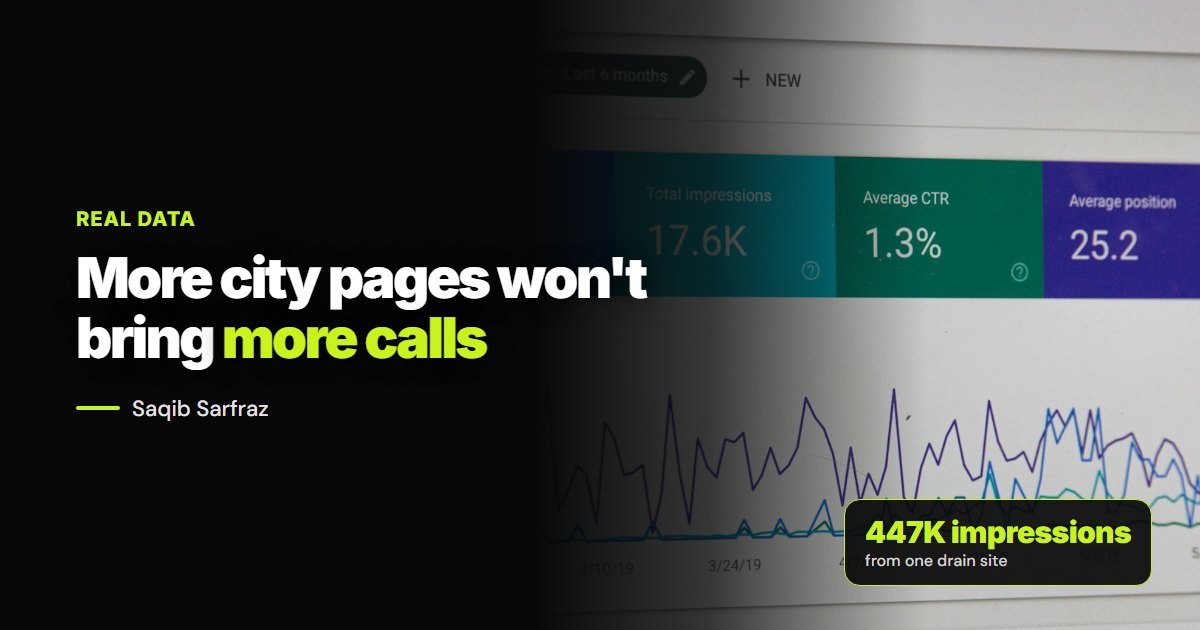
I once believed more city pages meant more calls. So one of my Arizona drain sites grew to 204 of them. Then I looked at 6 months of Search Console data, and in June 2026 Google’s spam update hit the site. Here’s what the numbers showed.
Quick Answer: Why More City Pages Won’t Bring More Calls (Real Data)
On my drain site, location pages took 91% of impressions but earned only 52% of clicks, and 141 of 202 location pages earned no clicks at all. Helpful articles earned about 11 times more clicks per impression. A smaller set of real city pages, plus useful articles, is the better bet.
The Numbers
| Page Type | Pages | Impressions | Clicks | CTR |
|---|---|---|---|---|
| Location pages | 202 | 407,798 | 128 | 0.031% |
| Articles | 113 | 18,021 | 63 | 0.350% |
| Service pages | 24 | 16,003 | 21 | 0.131% |
| Homepage | 1 | 3,405 | 26 | 0.764% |
This is one site over 6 months, and it includes the period around the update, so treat it as one real example. You can read the full drain cleaning search report for the sources and limits.
What Went Wrong
Impressions Weren’t Calls
The Chandler page had about 30,000 impressions and 1 click. The site was showing somewhere for that search, but too low for anyone to click. Impressions felt like progress, and they weren’t.
Small Towns Attracted the Wrong People
Some Arizona towns share a name with bigger cities elsewhere, so pages pulled in impressions from people who weren’t anywhere near us. Those impressions never turned into clicks.
Too Many Pages Looked the Same
When most pages share the same structure and only the place name changes, Google has little reason to keep them all. The June 2026 spam update targeted scaled content and doorway pages, and traffic collapsed on June 25.
What Actually Worked
An article on who pays for a drain line in an HOA earned a 6% click-through rate. A summer drain care guide earned 2.46%. Mid-size towns like Goodyear (0.24%) and Show Low (0.31%) beat Phoenix (0.035%) and Chandler (0.003%).
- Specific questions beat general pages
- Cities you can win beat cities you can’t
- Local, practical detail gets the click
What to Do With Your City Pages
- Export 6 months of pages from Search Console
- Find pages with impressions and no clicks
- Rewrite the ones in cities you really serve
- Merge or redirect the ones you don’t need
- Stop adding new ones until the current set works
If you’re deciding what to build instead, see my drain cleaning SEO service. And before you pay anyone to build hundreds of pages, read what drain cleaning SEO should cost.
Related: How to Write a Service Area Page That Ranks and How to Rank a Carpet Cleaning Business on Google Maps in Nearby Cities.
Frequently Asked Questions
QAre city pages bad for SEO?+
No. Real city pages are useful. Copies with only the name swapped are the problem.
QDid the site recover after the update?+
Not fully. I’ve removed and rewritten a lot of it, and recovery takes time. That’s why I now build fewer, better pages from the start.
QHow many city pages is too many?+
There’s no fixed number. If you can’t write something true and specific about a city, that page is one too many.
Final Thoughts
Open Search Console and sort your pages by impressions. If your top pages have thousands of impressions and no clicks, you’ve got the same problem I had. I’ll go through your numbers with you in a free audit.

Local SEO specialist for drain cleaning and home service companies. I build and test my own sites first, then use what works for clients. More about me.